
IPTV Channels and VOD – Live TV, Movies and Series
IPTV channels and VOD offer two ways to watch television over an internet connection. You can follow live programmes or choose on-demand videos.
This guide explains the main content categories, playback features and compatible devices. It also shows what to check before choosing an IPTV service.
Availability varies by provider, content rights, device and region.
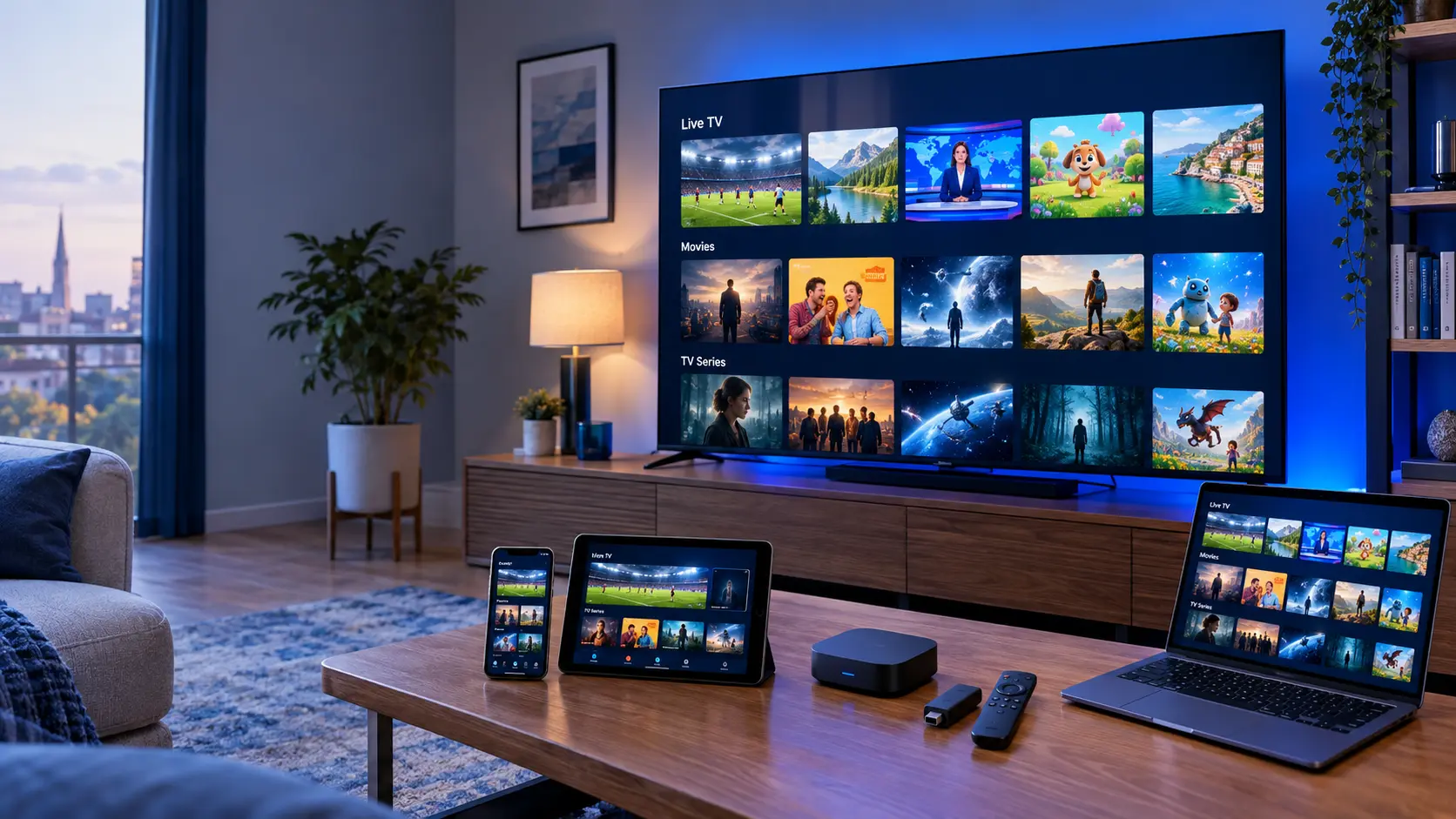
What Are IPTV Channels and VOD?
IPTV stands for Internet Protocol Television. It uses IP networks to deliver video to compatible devices.
Live IPTV channels follow a broadcast schedule. In contrast, video on demand, or VOD, lets viewers select available titles when they want to watch.
Many IPTV platforms combine both options in one interface. However, the exact library depends on the service.
For a wider introduction, visit the IPTV UK homepage .
Live TV, Movies and Series Explained
IPTV platforms can offer several content types. Each one works differently.
Live IPTV Channels
Live channels show scheduled programmes. Viewers follow a stream while it is being broadcast.
Common Categories
- News and current affairs
- Sports programming
- Entertainment
- Documentaries
- Children's television
- International programming
Video-on-Demand Movies
Movie libraries let viewers choose an available film and start playback.
Common Film Genres
- Action and adventure
- Comedy
- Drama
- Science fiction
- Family films
- Documentary films
On-Demand TV Series
Series libraries usually organise programmes into seasons and episodes. Viewers select the episode they want.
Typical Series Genres
- Drama series
- Comedy series
- Crime and mystery
- Documentary series
- Family entertainment
- Animated series
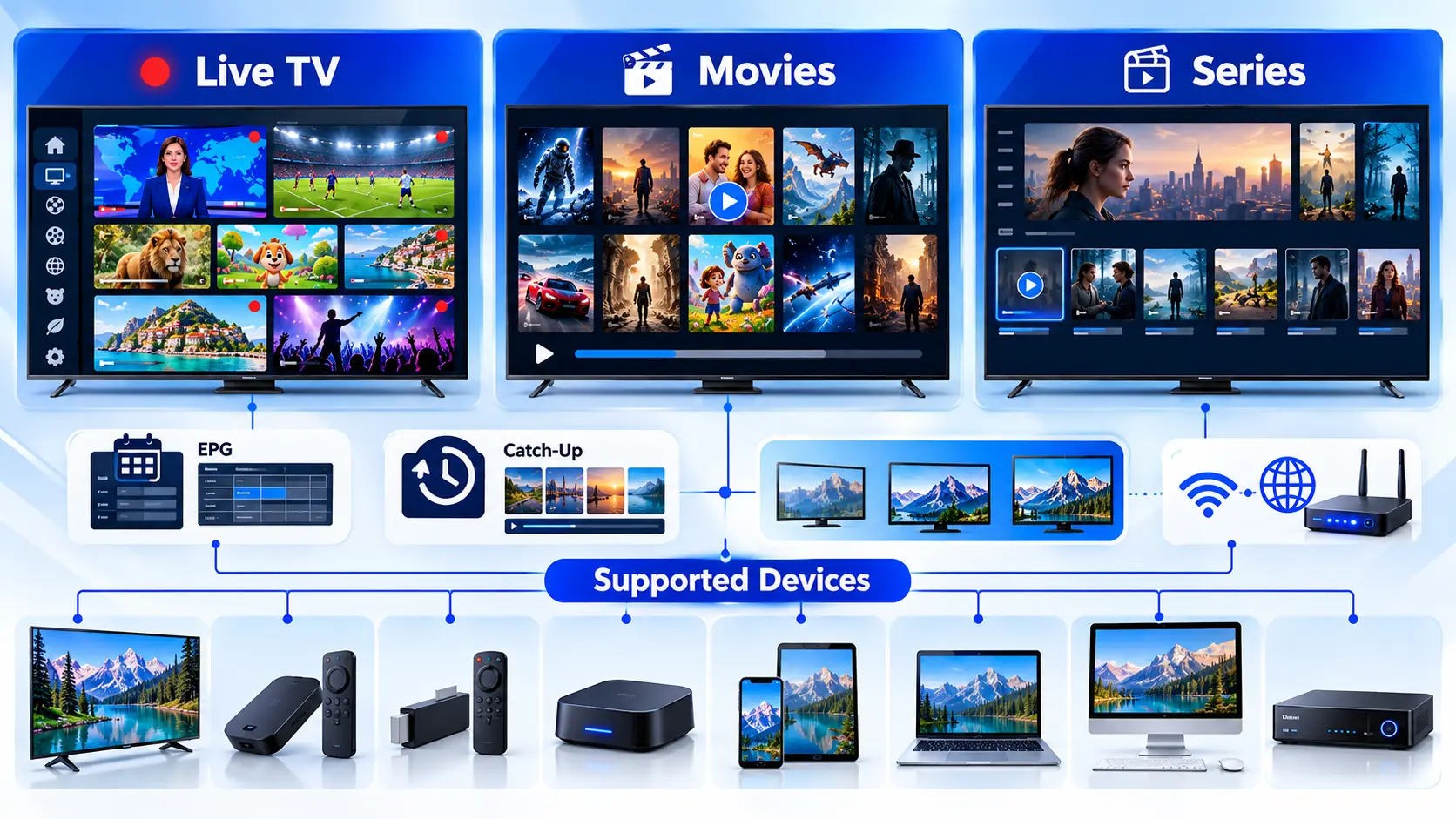
Explore Common IPTV Channel Categories
Live TV services often organise channels by genre. This makes it easier to find programmes.
Sports Channels
Sports categories may include live events, match coverage, analysis and specialist programmes. Rights vary by broadcaster.
News Channels
News programming covers headlines, interviews, business, politics and international events.
Entertainment Channels
Entertainment categories can include game shows, reality programmes, talk shows and comedy.
Documentary Channels
Documentary programming explores science, nature, history, travel and real-world subjects.
Kids and Family
Family categories may feature animation, educational programmes and age-appropriate shows.
International Channels
International categories can offer programmes in different languages. Regional access and rights may apply.
Music Channels
Music television can include performances, interviews, music videos and genre-based shows.
Lifestyle Channels
Lifestyle programmes cover food, home design, travel, wellbeing and everyday interests.
Educational Channels
Educational television may cover learning, technology, science and cultural subjects.
Important: Channel Availability
These categories describe common types of television content. They are not a confirmed channel list. Ask the provider to verify specific channels, territories and viewing rights.
How Do IPTV Movies and Series Work?
Video on demand gives viewers more control over playback. Instead of following a live schedule, you choose a title.
A typical movie library groups films by genre. Meanwhile, a series library often includes seasons and episode lists.
Some players also offer search, favourites and playback progress. However, these functions depend on the application.
What Should You Check?
Look for clear categories, accurate title information, supported video formats and reliable navigation.
For player comparisons, read our IPTV Apps guide .
Live IPTV vs Video on Demand
Both use IP-based video delivery. However, the viewing experience is different.
| Feature | Live IPTV | Video on Demand |
|---|---|---|
| Viewing time | Follows a live schedule | Viewer chooses a title |
| Typical content | News, sport, entertainment | Movies and TV episodes |
| Programme guide | Often useful | Usually uses a content library |
| Playback control | Depends on live-player features | Usually offers play and pause |
| Catch-up | May be available for selected channels | Not required for normal VOD playback |
| Internet connection | Required for streaming | Required unless downloads are supported |
EPG, Catch-Up TV and Playback Options
Useful playback features can make browsing easier. Still, support varies between services and apps.
Electronic Programme Guide
An EPG displays programme information and schedules. Its accuracy depends on the supplied guide data.
Catch-Up TV
Catch-up may let viewers replay selected programmes. Availability depends on the channel and service.
Favourites and Search
Some media players let you save favourites or search a catalogue. Features vary by app.
Devices That Can Support IPTV Channels and VOD
IPTV playback is possible on many device types. However, the right app depends on your hardware and operating system.
Samsung Smart TV
Check Tizen compatibility and available media players.
LG Smart TV
Check webOS version and supported applications.
Android TV
Use a compatible Android TV media player.
Google TV
Check device support and available player apps.
Fire TV and Fire Stick
Choose an application compatible with Fire OS.
Android TV Box
Check Android version and remote navigation.
iPhone and iPad
Use a supported iOS or iPadOS player.
Android Phones and Tablets
Check player support and screen controls.
Windows PC
Use a suitable desktop media player.
Mac
Choose an application compatible with macOS.
Chromecast
Casting support depends on the sender app and receiver device.
MAG and TVIP Receivers
Check supported portal and playlist methods.
Formuler Devices
Review model-specific player and portal support.
ENIGMA2 and Zgemma
Compatibility depends on receiver firmware and supported formats.
Other Smart TVs
Check the TV system, app store and supported playback methods.
Other Streaming Devices
Confirm compatibility before installing a media player.
Which IPTV Apps Can Play Channels and VOD?
IPTV media players help organise streams and on-demand libraries. They do not automatically include television content.
TiviMate
A television-focused IPTV player with playlist and guide features on supported devices.
IPTV Smarters Pro
A media-player option with live TV and VOD interfaces on supported platforms.
IBO Player
A player used for playlist-based playback. Check device compatibility and app terms.
Hot Player
A media player for supported devices. Available features depend on the version.
XCIPTV Player
A player interface for compatible IPTV content sources and devices.
Other Compatible Players
Other apps may support M3U playlists or Xtream Codes-style login. Check official documentation.
What Streaming Quality Can You Expect?
IPTV content can use different video resolutions. Common options include SD, HD, Full HD and 4K.
However, not every channel or film is available in 4K. Quality depends on the original video source.
Your connection also matters. For example, unstable Wi-Fi can interrupt playback even when download speed appears sufficient.
For more help, read our IPTV Troubleshooting guide .
How to Watch IPTV Channels and VOD
Getting started usually involves three steps. The exact process depends on your device.
Choose a Compatible Device
Start with a Smart TV, streaming device, phone, tablet or computer.
Check Compatibility
Review the operating system and supported apps.
Install a Suitable Player
Choose a trusted IPTV media player that supports your device and content source.
Use Trusted Sources
Follow official installation instructions where possible.
Add Your Authorised Content
Follow your provider's instructions to configure the supported playlist or login method.
Check Playback
Test live TV, a VOD title and the programme guide.
Common IPTV Channels and VOD Problems
Playback problems can have several causes. Try these basic checks before changing settings.
Buffering or Freezing
Test your connection. Restart the player. Then try another authorised stream.
Channels Not Loading
Check the playlist or login details. Also confirm that your access is active.
VOD Not Playing
Try another title. Update the media player and check whether the video format is supported.
Are IPTV Channels and VOD Legal in the UK?
IPTV is a technology. It is not automatically legal or illegal.
The key question is whether the service has permission to distribute its content.
In the UK, copyright and licensing rules apply to television, films and other media. Therefore, viewers should choose authorised sources.
Before subscribing, check the provider's identity, terms, content rights and support details.
IPTV Channels and VOD FAQs
Here are answers to common questions about content, devices and playback.
What is the difference between IPTV channels and VOD?
IPTV channels usually follow a live schedule. VOD lets viewers select available movies or episodes on demand.
Can IPTV include live sports channels?
Some authorised IPTV services offer sports programming. However, availability depends on broadcasting rights, region and subscription.
Can I watch movies and series on IPTV?
Yes. IPTV platforms can include movie and series libraries. The available titles depend on the provider.
Does IPTV work on Samsung and LG Smart TVs?
Compatible players may be available for supported models. Check the TV system and app requirements first.
Can I watch IPTV on a Fire TV Stick?
Fire TV devices can run compatible media players. However, support depends on the model and application.
Are all IPTV channels available in 4K?
No. Resolution depends on the video source, playback device and network conditions.
What does EPG mean?
EPG means Electronic Programme Guide. It displays programme schedules when suitable guide data is available.
Do IPTV apps include channels?
Not necessarily. Many IPTV apps are media players only. They require a separate authorised content source.
Why is a movie missing from a VOD library?
Libraries can change because of licensing, availability or catalogue updates. Contact the provider for current information.
Helpful IPTV Guides and Resources
Explore these guides to learn more about apps, setup and common streaming issues.
Find the Right IPTV Viewing Setup
Start with your device. Then compare media players, check content availability and review your connection requirements.