
Best IPTV Apps & Players for Your Device
Finding the right IPTV player starts with your device. Some apps work best on Android TV. Others offer versions for Smart TVs, phones or computers.
Compare TiviMate, IPTV Smarters Pro, IBO Player, Hot Player and XCIPTV. Learn about their features, installation methods and everyday limitations.
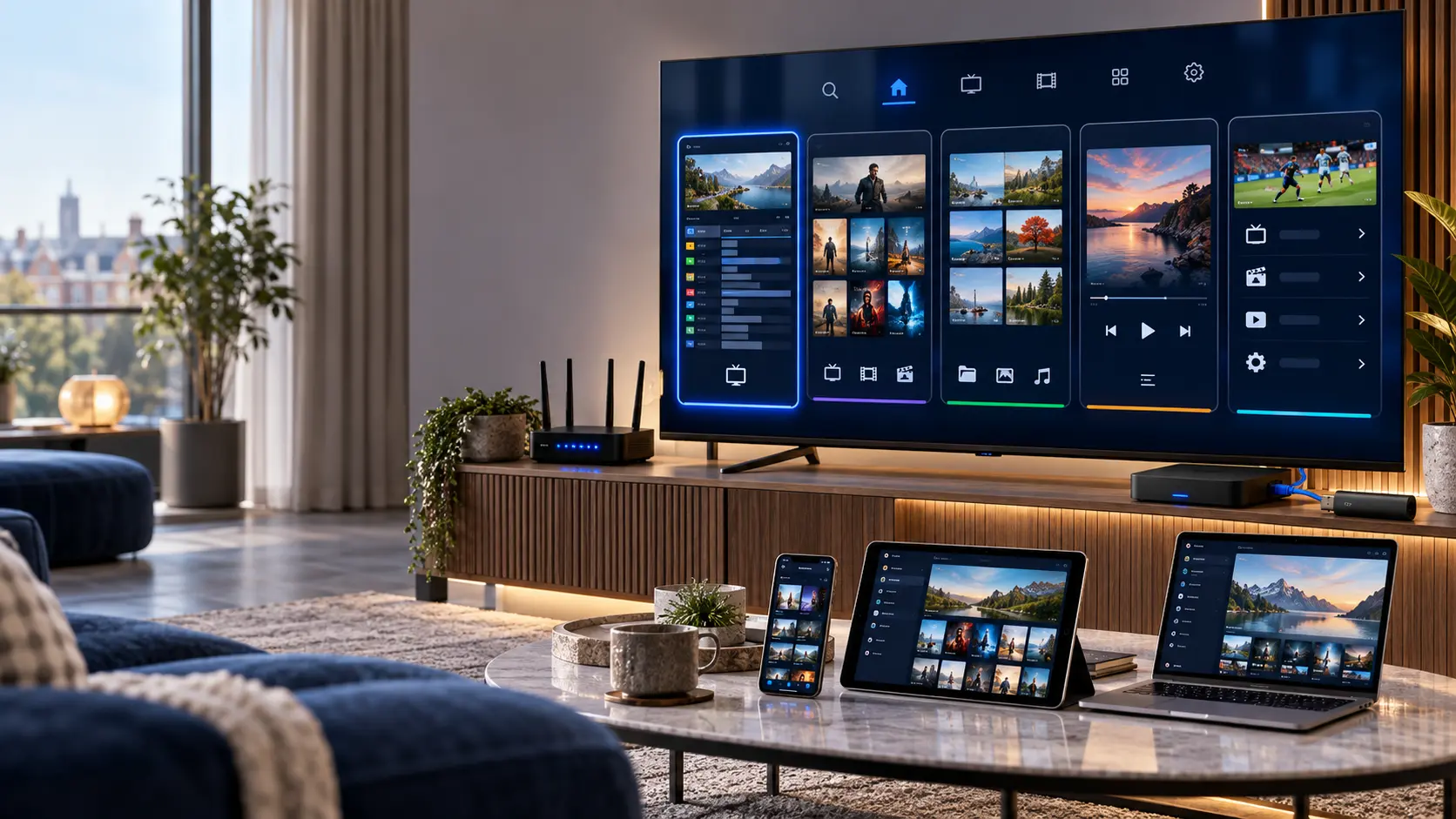
What Is an IPTV Player?
An IPTV player is software that opens compatible video streams and playlists. It gives you a way to browse channels, choose media and control playback.
However, a player is not the same as a content subscription. Most media-player apps do not include television channels or films.
Instead, you add media that you have permission to access. The app then provides the playback interface.
Different apps support different devices and setup methods. Therefore, it is worth comparing them before installing.
For general device instructions, visit our IPTV installation guides .
Explore the Best IPTV Apps
Each app has its own strengths and limitations. Choose one below to read a closer overview. You can also open the dedicated setup guide for more detail.
IPTV Apps Comparison at a Glance
No single player is ideal for every household. The right choice depends on your device and the features you need.
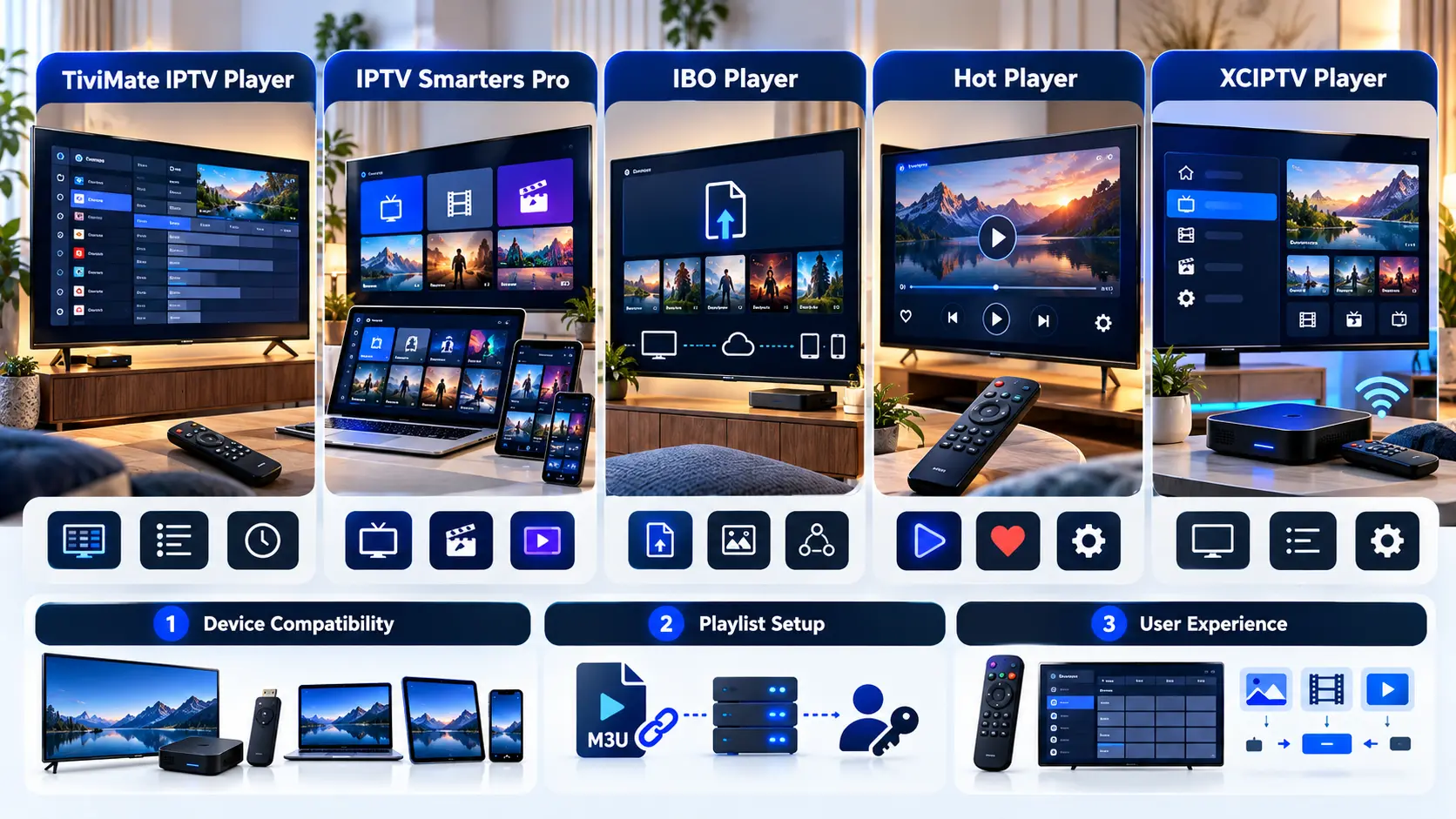
| App | Main Focus | Device Notes | Before Installing |
|---|---|---|---|
| TiviMate | TV-first navigation and EPG | Designed for Android TV | Check premium features and playlist support |
| IPTV Smarters Pro | Flexible media organisation | Several platform versions | Verify publisher and exact app version |
| IBO Player | Device-based playlist management | Check your TV's app store | Review device key and licence process |
| Hot Player | TV-oriented playback | Depends on product and platform | Confirm app identity and activation |
| XCIPTV Player | Android-style media playback | Check the exact Android version | Verify login methods and developer |
Remember: App features and device support can change after software updates. Always confirm the current publisher's documentation.
Get to Know Each IPTV Player
The following summaries explain how each player approaches streaming and what you should check before using it.

TiviMate IPTV Player
TiviMate is designed for Android TV devices. Its interface focuses on television screens and remote-control navigation.
It can help you organise playlists, browse channels and use an electronic programme guide.
Why Consider TiviMate?
It is worth exploring if you prefer a TV-style channel guide. However, some advanced functions require a premium upgrade.
Important Limitation
TiviMate is not optimised for phones or tablets. It also does not include television channels.
IPTV Smarters Pro
IPTV Smarters Pro is a media-player name used across several platforms. Its interface can organise live television and other compatible media.
The available features depend on the specific app version and device.
What Makes It Useful?
It is worth comparing if you use different device categories. First, confirm that the publisher offers a suitable version.
Check Similar App Names
Several applications use similar branding. Therefore, verify the developer before downloading.

IBO Player
IBO Player uses a device-based approach to playlist management. Depending on the version, you may configure media through a supported website.
How Does Setup Work?
First, install the correct application. Then follow the publisher's instructions to add an authorised playlist.
App Activation
Some versions require a separate software licence. That licence does not include channels or streaming rights.
Hot Player
Hot Player is another option for compatible televisions and streaming devices. Its exact features depend on the product and version.
Before Installation
Check the official publisher and app-store listing. Similar names may refer to different applications.
Playlist and Licence
Confirm which playlist formats the app accepts. Also, review any separate activation requirements.


XCIPTV Player
XCIPTV is commonly associated with Android-based media playback. It can be useful to compare if you want an alternative player interface.
Version Compatibility
XCIPTV-branded applications may differ. Check the exact developer, supported devices and app version.
Login Methods
Before installation, confirm that the chosen version supports your authorised media source.
Which IPTV App Fits Your Device?
Choose your device below. The tool will suggest a useful guide to explore. It is not a compatibility guarantee.
Select Your Device
Your operating system is an important part of choosing the right media player.
TiviMate IPTV Player
Read the guide →Verify your exact device and the current app version.
M3U, Xtream Codes and EPG Explained
Before choosing an IPTV player, check how it connects to your authorised media source.
M3U Playlist
M3U is a text-based playlist format. Some players accept a URL, while others also accept a local file.
What You Need
A valid authorised playlist and a compatible player.
Xtream Codes Login
This method commonly uses a server address, username and password.
What You Need
Valid account details and a player that supports the method.
Electronic Programme Guide
An EPG can show programme information when the source provides suitable data.
What You Need
Compatible guide data and a player that can display it.
Keep your account private. Playlist URLs may contain credentials. Never share your server details, username or password publicly.
How to Install an IPTV Player Safely
The installation process varies by device. However, these six checks apply to many media players.
Check Compatibility
Identify your device and operating-system version. Confirm the app supports both.
Choose a Trusted Source
Prefer the official app store or verified publisher. Avoid modified APK files.
Install the App
Follow the installation instructions and review requested permissions.
Add Authorised Media
Enter your supported playlist or account configuration carefully.
Test Playback
Open an authorised stream. Check picture, sound and guide information.
Keep It Updated
Install supported app and device updates to address compatibility and security issues.
What If Your IPTV App Is Not Working?
Not every playback issue comes from the app itself. Your network, device, playlist or media source may also be involved.
App Will Not Open
Restart the device. Check for updates and available storage.
App Troubleshooting →Playlist Does Not Load
Review the login details. Confirm the playlist is valid and supported.
Playlist Loading Guide →EPG Is Empty
Confirm that the source provides programme data. Then refresh the guide.
EPG Troubleshooting →VOD Will Not Play
Test another title. Check media compatibility and possible source issues.
VOD Troubleshooting →Are IPTV Player Apps Legal in the UK?
IPTV is a technology for delivering video over internet networks. The technology itself is not automatically unlawful.
General-purpose media players can have legitimate uses. For example, they may play personal media or content supplied by licensed services.
However, an app does not grant copyright permission. You still need the right to access the material you choose to watch.
Therefore, use authorised content sources and review the relevant terms.
Player Software Is Not a Subscription
Paying for an app licence does not automatically include television channels, films or streaming rights.
Frequently Asked Questions About IPTV Apps
Here are simple answers to common questions about choosing and using IPTV media players.
What is the best IPTV app for Android TV?
TiviMate is a useful option because it is designed for Android TV. However, your device and preferred features also matter.
Is IPTV Smarters Pro better than TiviMate?
Neither is automatically better for everyone. TiviMate focuses on Android TV, while Smarters Pro offers different platform versions.
Do IPTV apps include channels?
Most general-purpose IPTV players do not include channels. You normally need an authorised content source.
What is an M3U playlist?
An M3U playlist is a text-based list of media locations. Compatible players can use it to organise available streams.
Does IBO Player require activation?
Some versions require a separate software licence. Check the publisher's current terms.
Can I use TiviMate on an iPhone?
TiviMate is designed for Android TV and is not optimised for phones or tablets.
Why does an IPTV app keep buffering?
Possible causes include weak Wi-Fi, insufficient bandwidth, device limitations and source-side problems.
Are IPTV player apps legal in the UK?
General-purpose media-player software can be used legally. However, you need permission to access copyrighted content.
Check Current App Information
Software features and availability can change. Before installing an app, consult its verified publisher or app-store listing.
For example, see the TiviMate Google Play listing and the HotPlayer publisher website .
For Smarters Pro, IBO Player and XCIPTV, confirm the exact product and developer before downloading.
App names and artwork are shown for product identification. Trademarks belong to their respective owners. This website is not affiliated with the application developers.
Find the Right IPTV Player for Your Device
Tell us which device you use and what you're trying to set up. We can help you identify a suitable next step.