
Watch IPTV UK on Your Favourite Devices
Use your IPTV subscription on compatible Smart TVs, streaming devices, smartphones, tablets and computers with a suitable media player.

Samsung TV

LG Smart TV

Android TV

Fire TV Stick

Apple TV

iPhone & iPad

Windows

Mac

Chromecast

NVIDIA Shield

MAG Box
Formuler
Application availability and setup methods may vary by device model and operating system.
Choose Your IPTV UK Plan
Flexible IPTV Subscription UK Packages
Every plan includes the same available content, streaming features and customer support. Simply choose the subscription period that suits you.
1 Month
Short-term access with all features included.
- 60,000+ live channels
- 260,000+ movies & series
- 4K, FHD & HD quality
- Built-in VPN protection
- Anti-freeze technology
- 24/7 WhatsApp support
- Full EPG TV guide
- Catch-up TV
- Works on compatible devices
- Regular content updates
- 99.9% uptime target
- Instant activation
-

-

-

-

-
 Crypto
3 Months
Approximately £8.33 per month.
- 60,000+ live channels
- 260,000+ movies & series
- 4K, FHD & HD quality
- Built-in VPN protection
- Anti-freeze technology
- 24/7 WhatsApp support
- Full EPG TV guide
- Catch-up TV
- Works on compatible devices
- Regular content updates
- 99.9% uptime target
- Instant activation
-
Crypto
6 Months
Approximately £5.83 per month.
- 60,000+ live channels
- 260,000+ movies & series
- 4K, FHD & HD quality
- Built-in VPN protection
- Anti-freeze technology
- 24/7 WhatsApp support
- Full EPG TV guide
- Catch-up TV
- Works on compatible devices
- Regular content updates
- 99.9% uptime target
- Instant activation
-
Crypto
12 Months
Approximately £4.08 per month.
- 60,000+ live channels
- 260,000+ movies & series
- 4K, FHD & HD quality
- Built-in VPN protection
- Anti-freeze technology
- 24/7 WhatsApp support
- Full EPG TV guide
- Catch-up TV
- Works on compatible devices
- Regular content updates
- 99.9% uptime target
- Instant activation
-
Crypto
Content, channel count, VOD titles, EPG, catch-up, VPN features and picture quality may vary by availability, application, device, location and internet connection. Uptime is a service target and may exclude planned maintenance or external network interruptions.
Plan Your Viewing with EPG and Catch-up TV
Browse available programme schedules, discover what is showing next and revisit selected broadcasts through supported IPTV applications.
Full Electronic Programme Guide
Check available TV schedules, programme times and upcoming broadcasts from a clear EPG interface.
Catch-up Previous Programmes
Return to selected programmes after their original broadcast when catch-up access is available.
Simple Programme Navigation
Browse categories and available schedules without searching through every channel individually.
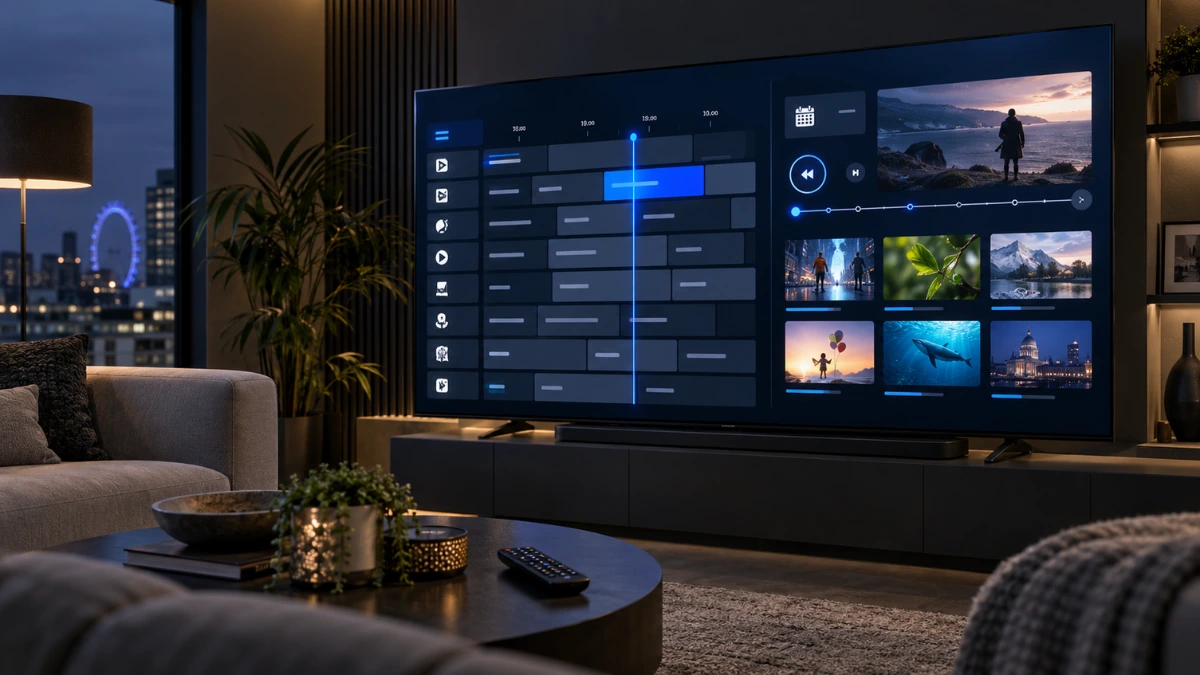
EPG accuracy and catch-up availability vary by channel, programme, application, device and service availability.
IPTV UK Installation Guides for Popular Devices
Choose your device and follow a dedicated step-by-step setup guide. Each guide explains compatible player options, login methods and practical troubleshooting.
Visit the Installation Guides HubInstall IPTV on Samsung TV
Learn how to select a compatible Samsung TV player and add your private playlist or login details safely.
- Compatible Samsung models
- App installation options
- Playlist and login setup
Install IPTV on LG Smart TV
Follow the LG WebOS setup process, choose an available player and enter your subscription information correctly.
- LG Content Store guidance
- WebOS-compatible players
- Common login solutions
Set Up IPTV on Fire TV Stick
Install a compatible player on Fire TV and learn how to enter authorised login details using the remote control.
- App-store installation
- Remote-friendly setup
- Fire TV troubleshooting
Install IPTV on Android TV
Choose a television-optimised player, install it from a trusted source and complete the login process.
- Google Play installation
- TiviMate and Smarters options
- EPG and playlist setup
Set Up IPTV on iPhone and iPad
Install a suitable iOS media player and add your private playlist or supported login information.
- App Store player options
- iPhone and iPad setup
- Privacy and login guidance
Choose the Correct IPTV Setup Method
Your activation message will indicate which login method is available for your subscription.
Xtream Codes
Enter the supplied server address, username and password inside a compatible media player.
M3U Playlist
Add your private playlist link to a compatible IPTV application or media player.
Portal or Device ID
Certain receivers may require a portal address and registered device identifier.
Best IPTV Media Players for United Kingdom IPTV Devices
Compare trusted media players for Smart TVs, Android TV, Fire TV, smartphones, tablets and compatible streaming devices. Choose the app that matches your operating system, login method and viewing preferences. Media players do not include channels or subscription content.

TiviMate IPTV Player
TiviMate is designed for Android TV and remote-control navigation. Users must add their own authorised playlist because no content is included.
Best for TV-style navigation
- Live TV organization
- EPG support
- Favorites and groups
- Remote-friendly interface

IPTV Smarters Pro
Smarters Pro is a standalone cross-platform media player for user-provided playlists and personally authorised media sources.
Best for simple multi-device setup
- Live TV access
- Movies and series sections
- Xtream Codes support
- Simple navigation
IBO Player
IBO Player is a premium media player for supported playlists and compatible devices. It does not provide channels or subscriptions.
Best for compatible Smart TVs
- Clean TV interface
- Playlist support
- Easy category navigation
- Suitable for everyday viewing

Hot Player
HotPlayer is a standalone media player for user-supplied playlists, with navigation tools for supported live and on-demand categories.
Best for straightforward playback
- Simple setup flow
- Live TV categories
- VOD navigation
- Clean viewing experience
Entertainment for every household
IPTV UK Live TV and VOD Overview
Explore live television, movies, series, sport, documentaries and family entertainment across compatible devices. Enjoy flexible streaming with EPG, catch-up and multiple picture-quality options. Content availability, quality and features may vary by channel, device, region and subscription plan.
Explore Your Entertainment
 Family
Children’s Entertainment
Family-friendly viewing across compatible screens at home.
 Informative
News and Documentaries
Explore current affairs and informative factual programming.
 Worldwide
International Entertainment
Browse available entertainment from different regions.
 Popular
Family Entertainment
Bring movies, series and shared household viewing together.
 Live
Live
Live Sports
Enjoy available sporting events with a reliable connection.
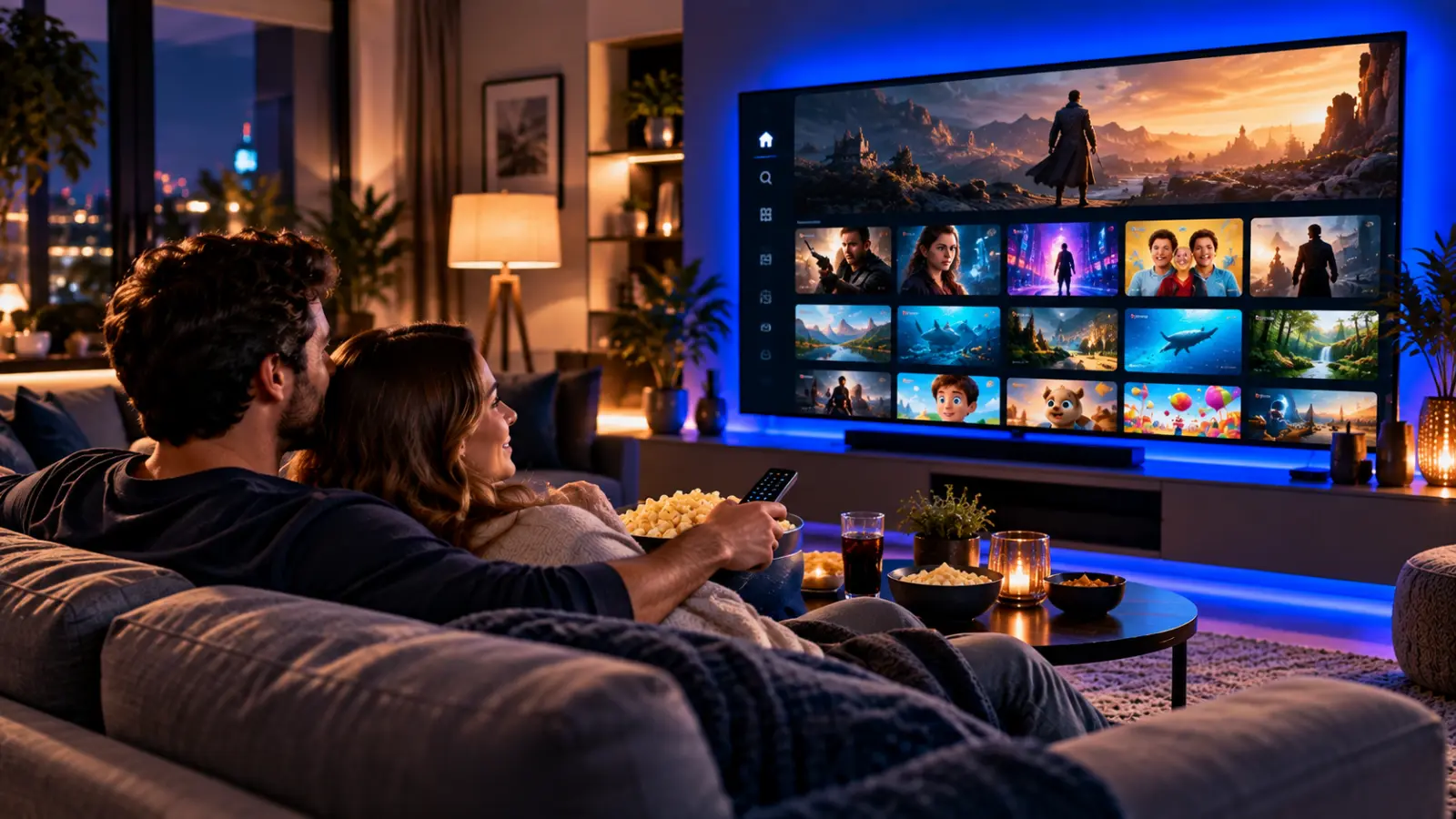 On Demand
Movies and Series on Demand
Browse organised VOD categories whenever you are ready.
 High Quality
4K, Full HD and HD Viewing
Select a quality supported by the content and your device.
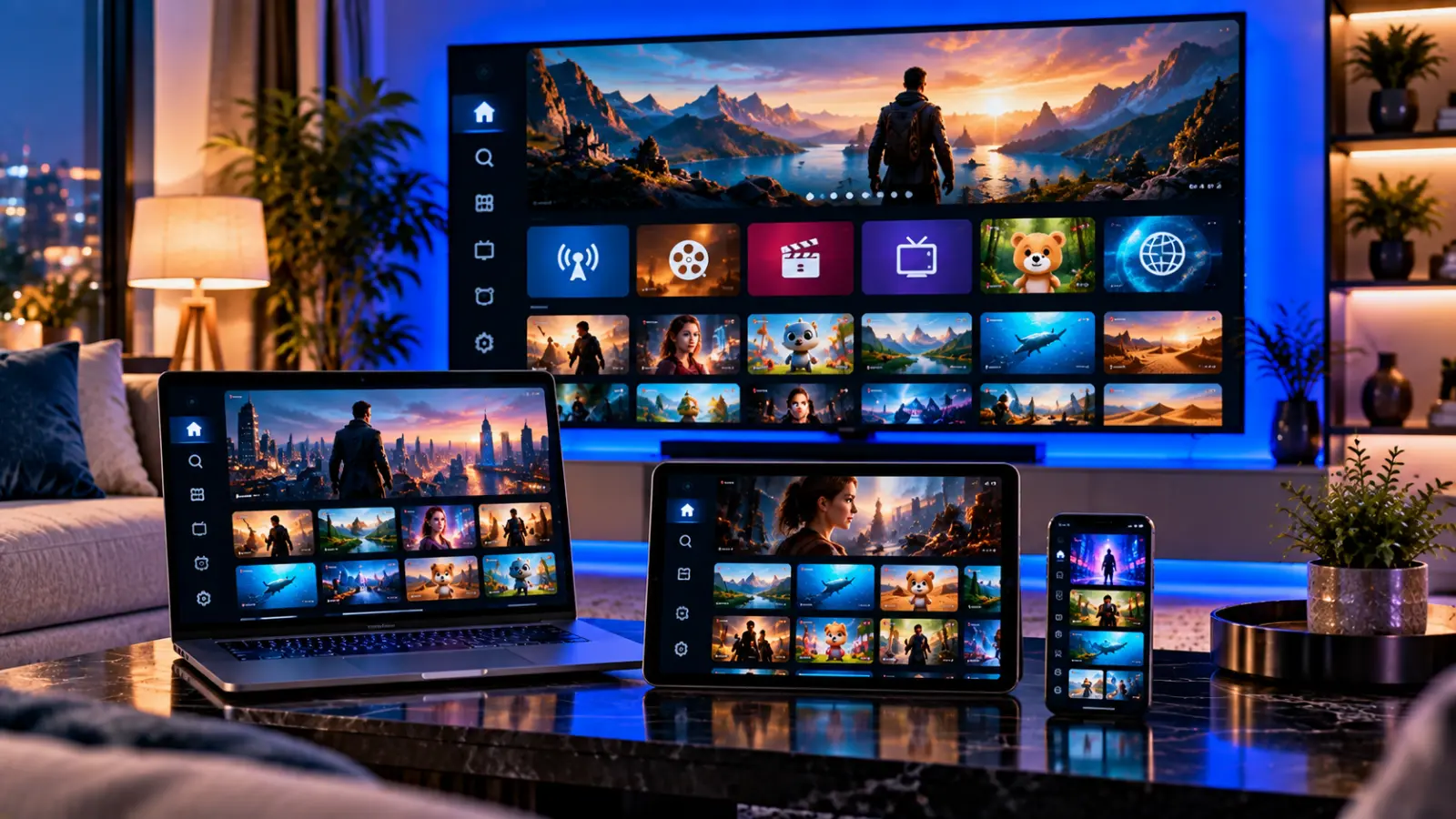 Multi-Device
Streaming on Popular Devices
Watch on compatible televisions, computers and mobile devices.
 Flexible Viewing
EPG and Catch-Up TV
Check schedules and revisit supported broadcasts when available.
 Complete Experience
Complete Live TV and VOD Experience
Move between live television and available on-demand content.
Real checks. Clear information.
Service Testing and Transparency
We review playback, device compatibility, navigation and connection behaviour before providing setup guidance. Results can vary according to the viewer’s device, application, internet connection, location and content source, so no streaming service can promise identical performance in every household.
How We Test the Viewing Experience
Our checks focus on practical conditions that can affect everyday streaming rather than relying only on promotional claims.
Connection and Playback Checks
We review loading behaviour, channel changes and playback using realistic home-network conditions. Individual results depend on broadband quality, Wi-Fi coverage and network congestion.
Device Compatibility Review
We check setup methods on commonly used smart televisions, streaming devices, computers, tablets and smartphones whenever those devices are available for testing.
EPG and Content Navigation
We review guide loading, category navigation, search and available catch-up functions. Programme data and availability may differ between channels and content sources.
Support and Setup Guidance
We assess whether setup instructions are understandable and whether common installation or login problems can be explained clearly through customer support.
Customer feedback
Shared Customer Experience Snapshots
These images present original feedback shared with the support team. They are shown as individual experiences, not as guarantees of identical results.
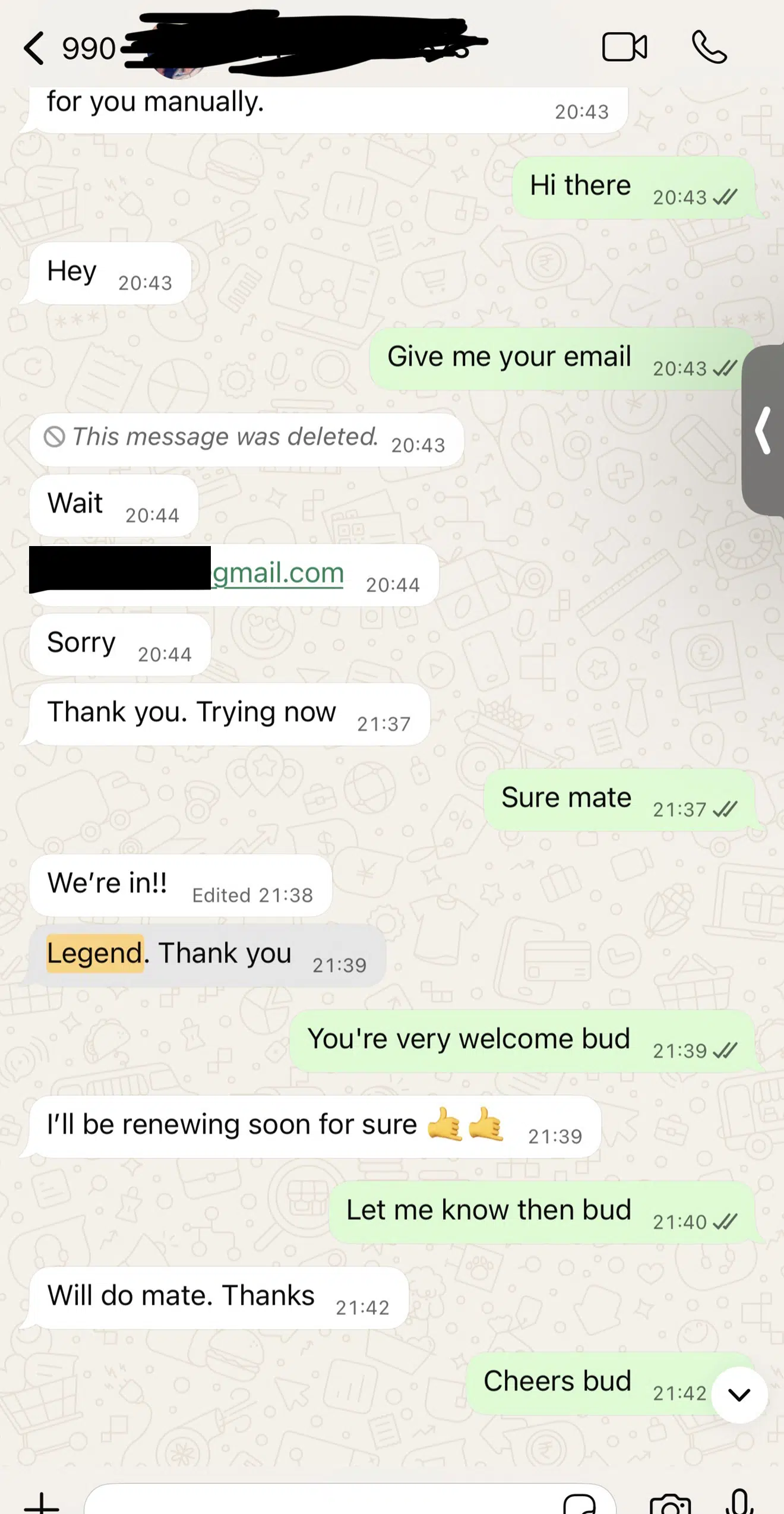
Customer Feedback Snapshot 01
Original feedback image. Personal information should be removed before publication.
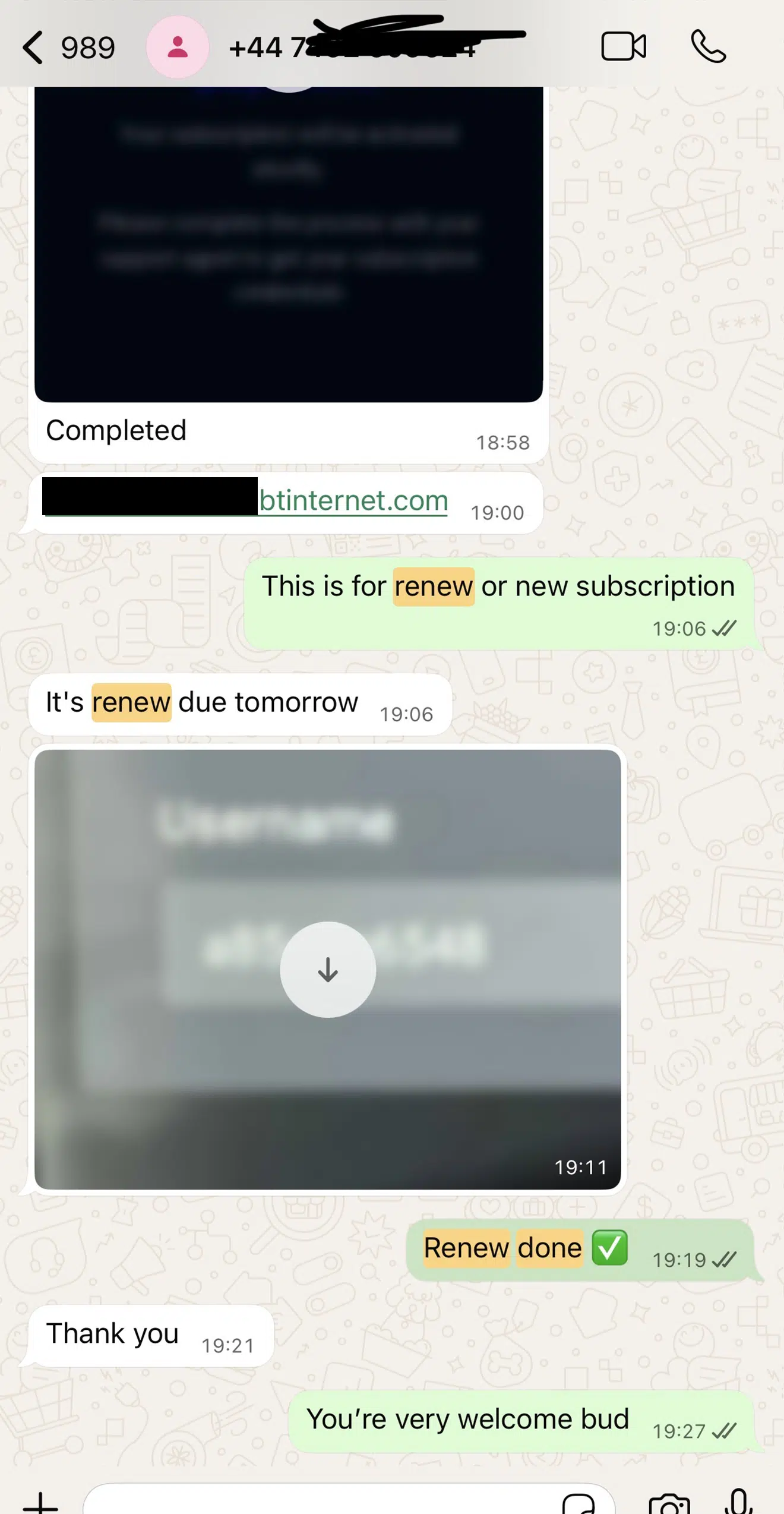
Customer Feedback Snapshot 02
An individual customer experience presented without an invented rating.
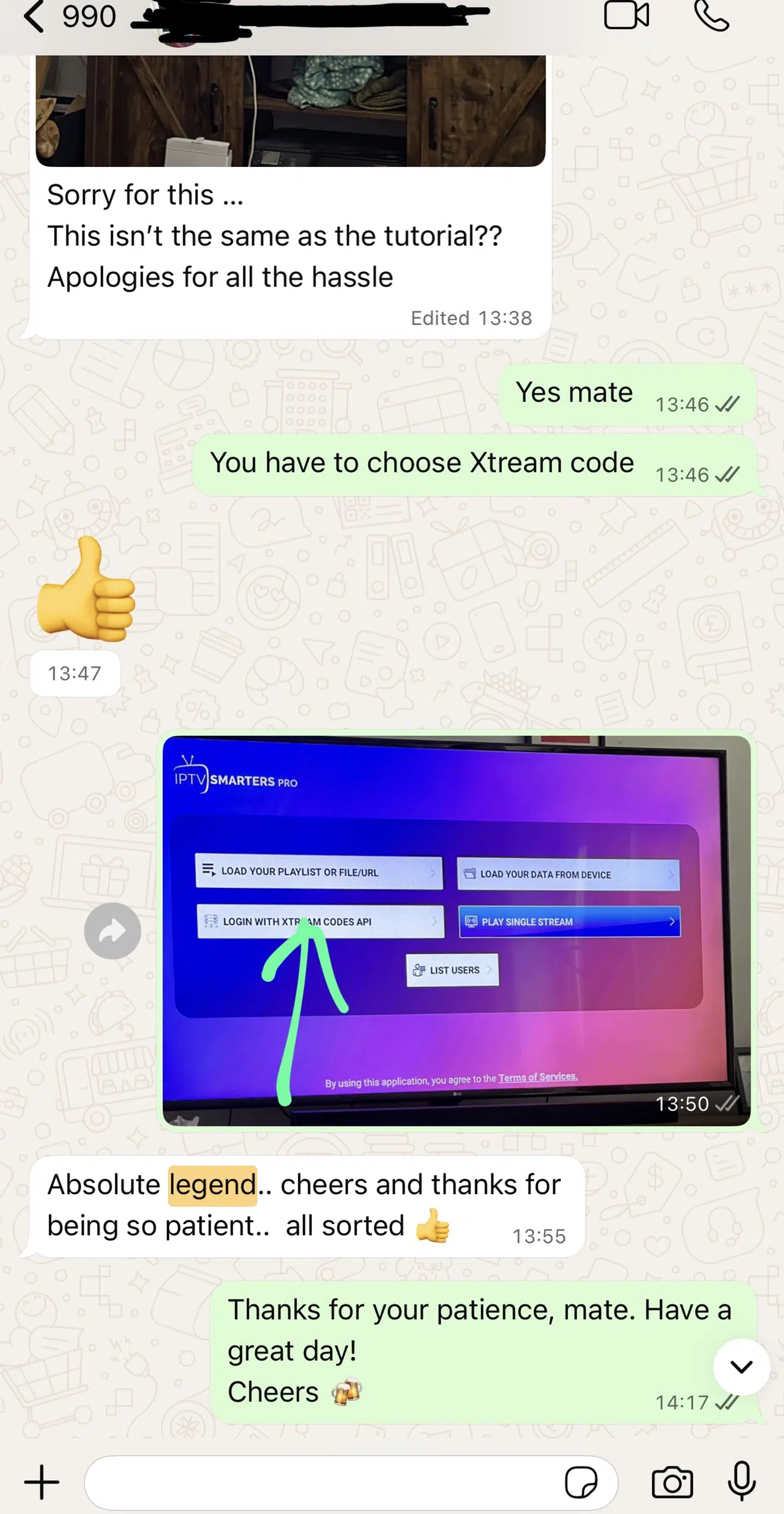
Customer Feedback Snapshot 03
Feedback may reflect one device, connection and viewing environment.
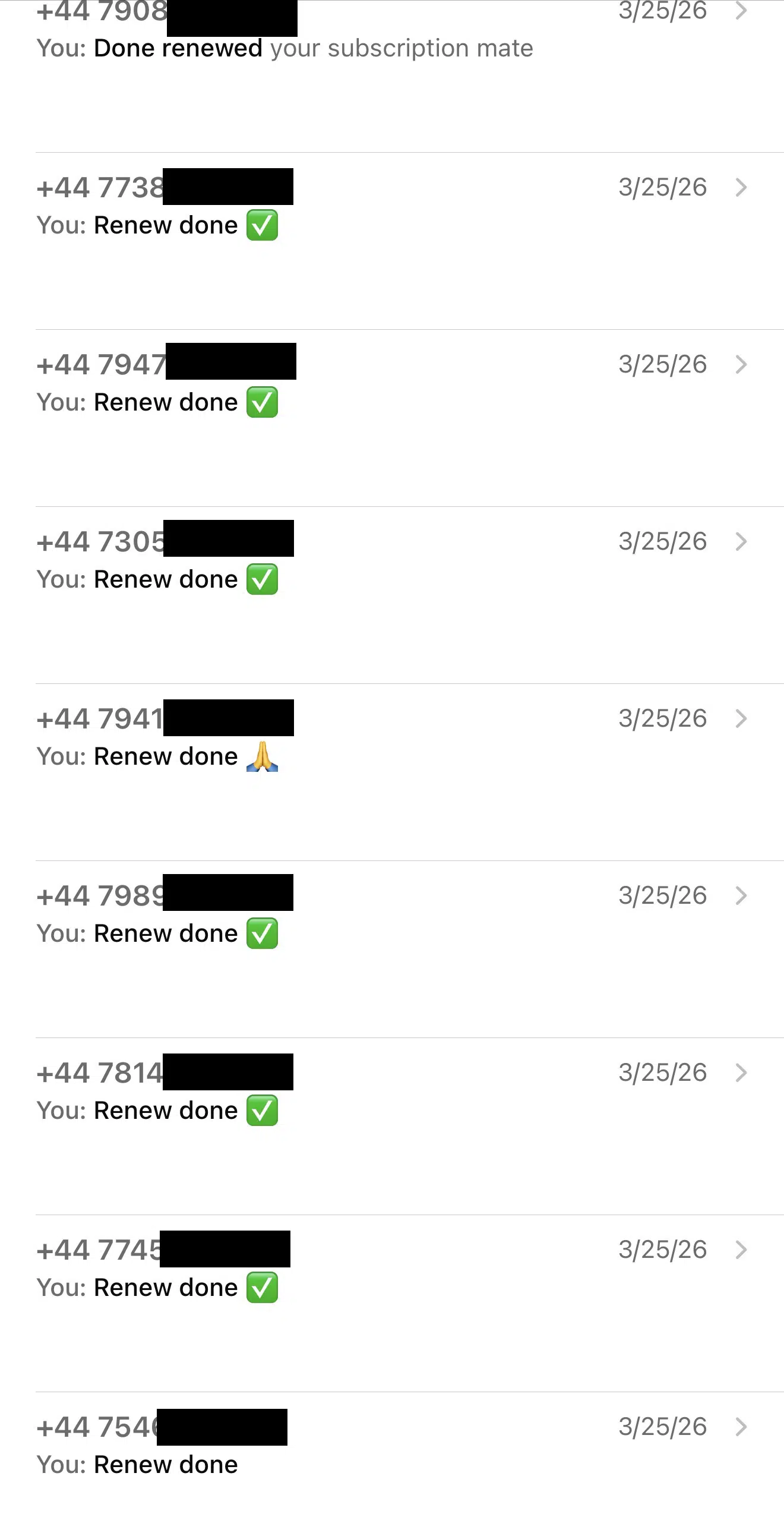
Customer Feedback Snapshot 04
Shared as customer feedback rather than a performance guarantee.
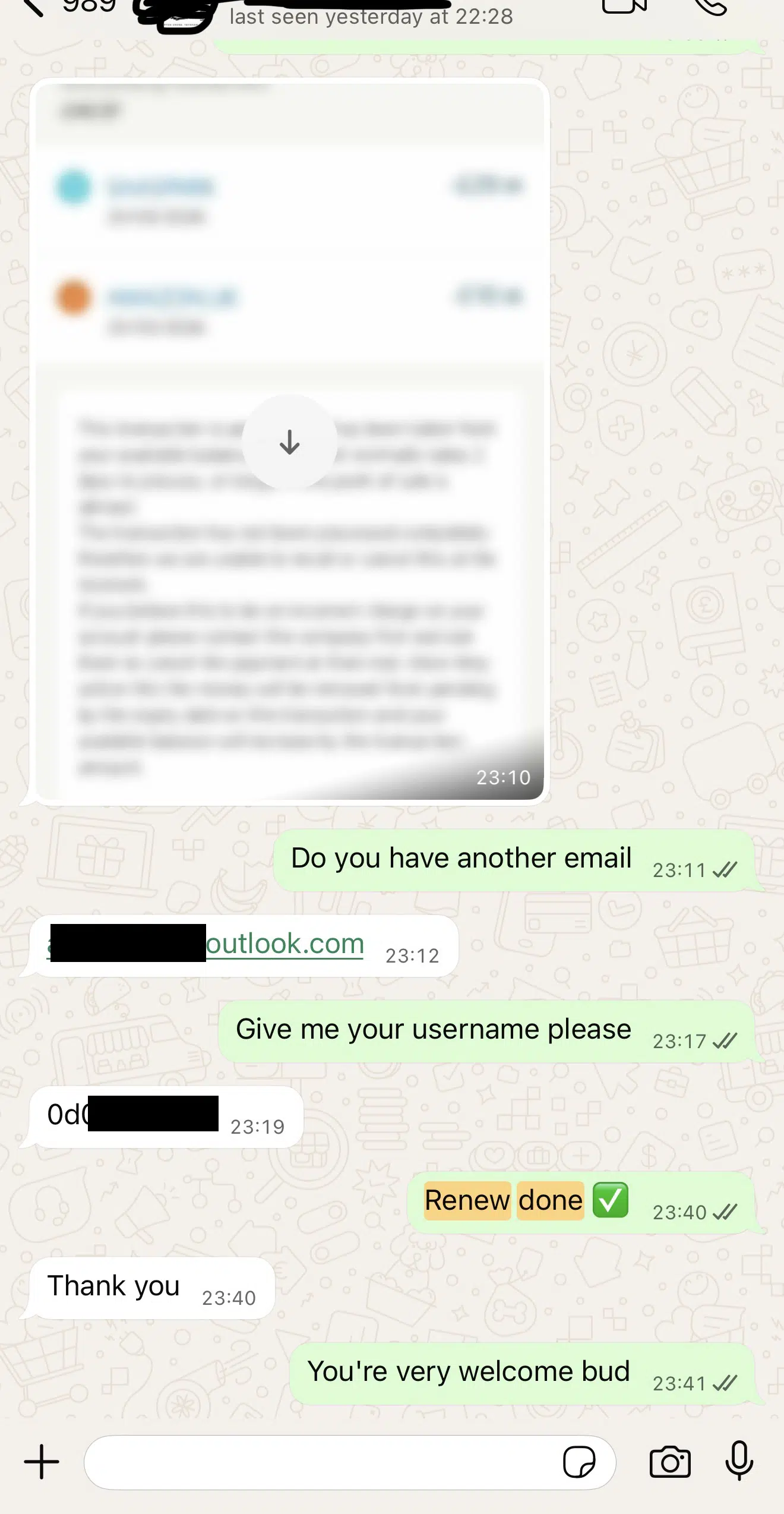
Customer Feedback Snapshot 05
Results can differ according to the customer’s equipment and network.